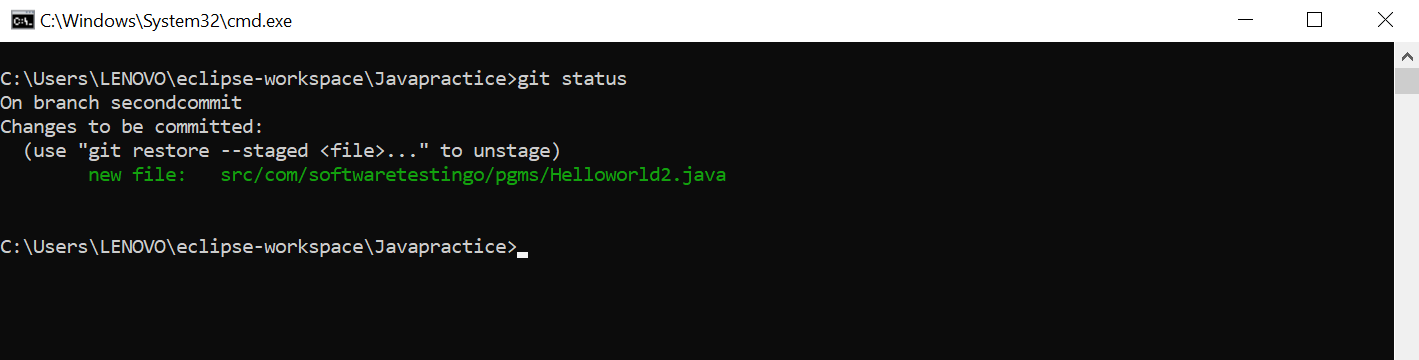
If the File is not added then add that file by executing git add * or git add . command
Check the file status after adding the files into staging area
Once the files are added into git, commit the changes by executing the command git commit -m “Message”
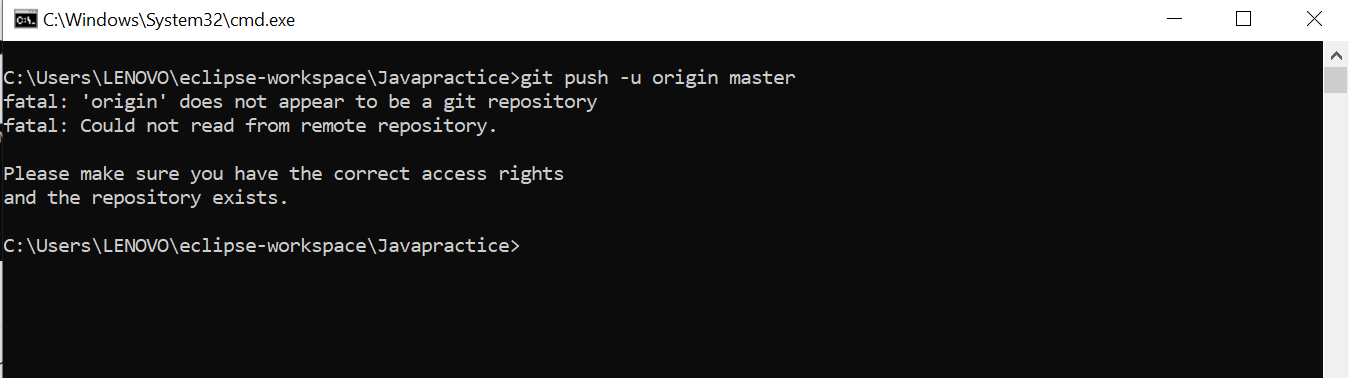
After commit the changes the next step is push the changes to remote repository. So to push the changes the remote repo you can execute the command > git push -u origin master
This will give you error because we have not linked our local repository with the remote repository.
So to add remote repository with local repository, there should be a remote repository available in GitHub website with the same name as your project name in local.
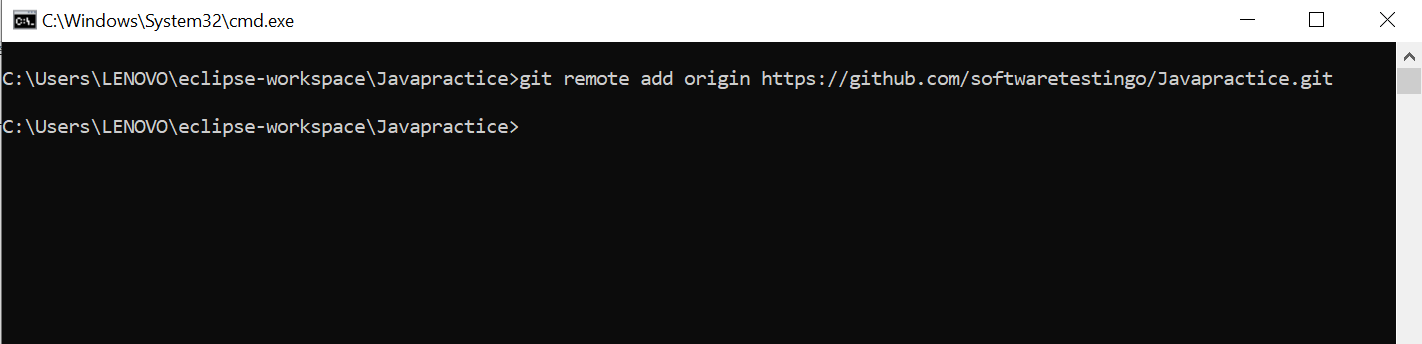
Get the remote repository URL and execute the below command > git remote add origin <repo url>
Now local repository is linked with the remote repository. So lets try to push the changes to remote repository.
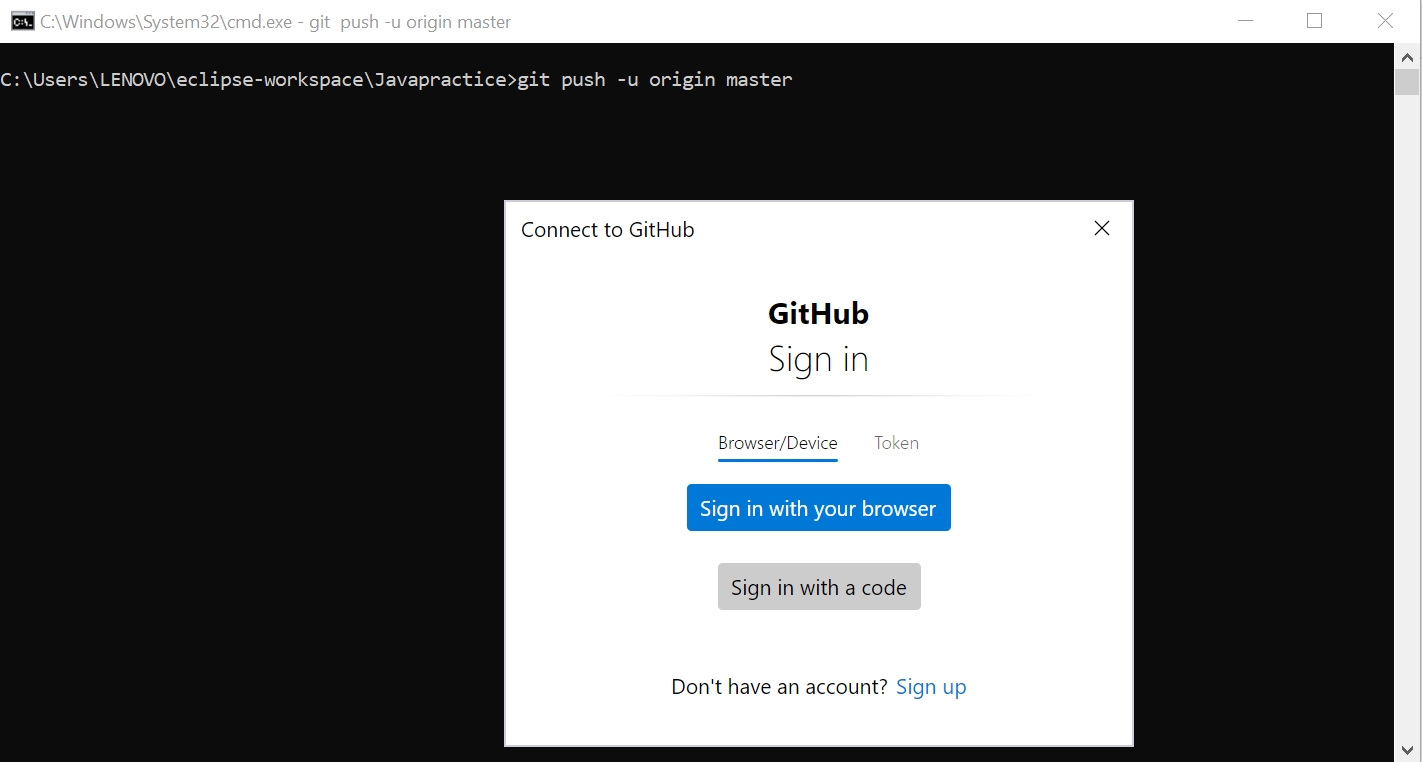
When you try to push the changes, it will ask for the authentication. You have to authenticate with the Personal access token or you can sign in with your browser.
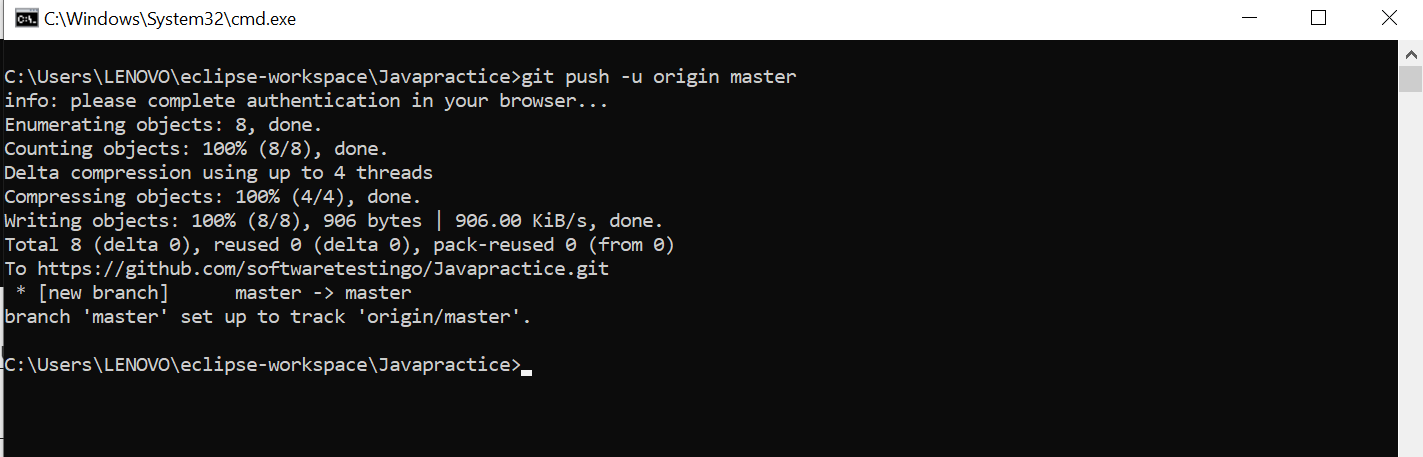
Now you can see the successful message like below.
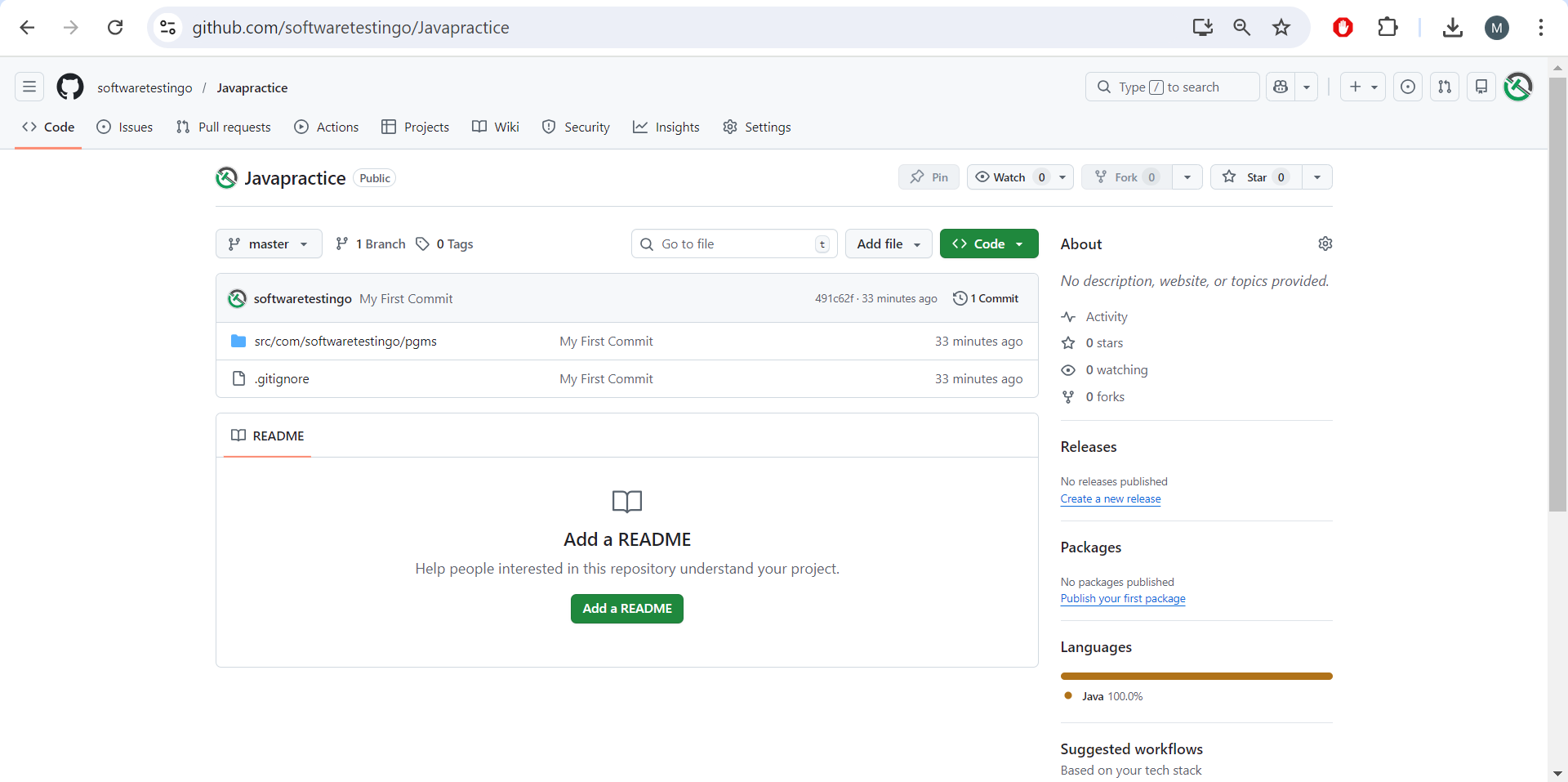
You can see the changes in the remote repo as well.
Create a New Branch and Push to Repository
Check all branches available in command prompt with the below command > git branch
Create a new branch and switch to the newly created branch. > git checkout -b <new branch name>
Add a New file in your Java project and delete the classes in the project folder. Note: If you have added the git ignore file then this step is not required.
After adding the new file run the git status command to check the status of file newly added files.
To add the new file into staging, execute the below command > git add . or git add *
After adding all the files, checking the status again > git status
After adding all the files, commit the changes by executing the below command > git commit -m “Message”
Push the changes to remote with executing the below command > git push -u origin <new branch name>
You will get the error
So lets try to push again > git push
Again You will get an fatal error with a message that remote repository does not have the same branch name as local repository.
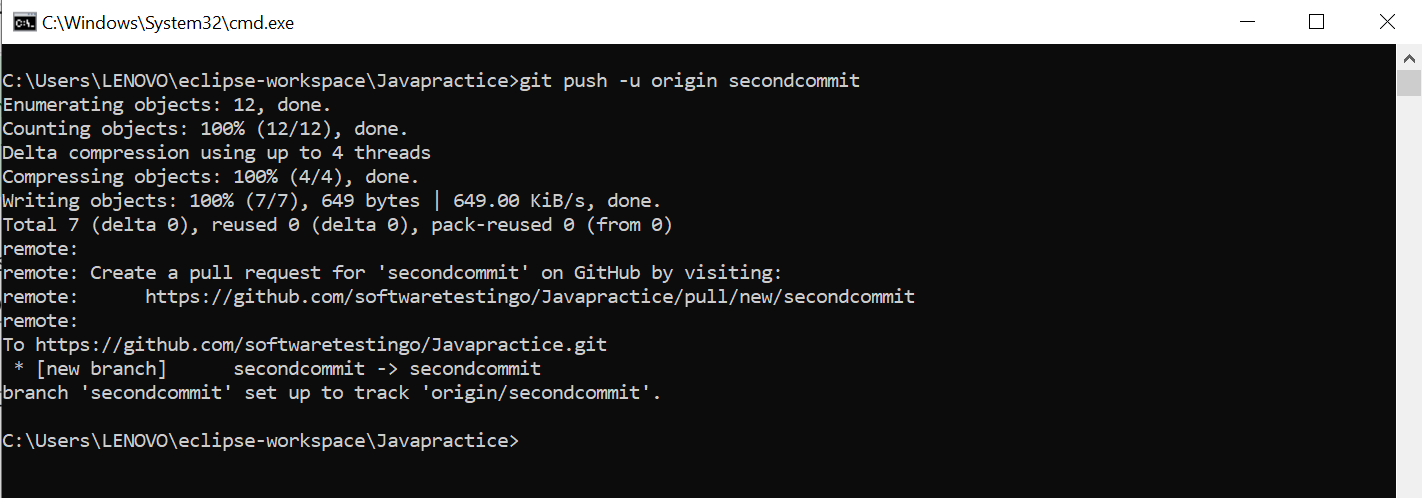
So to push the newly created branch of local repository to remote repository execute the below command. > git push –set-upstream origin <new branch name>
Finally a new Branch will be created in the remote repository with the same name as local repository.
Complete Pull & Merge Request
After the second commit you can see there are two branches created in remote repo and also you can see the compare & pull request button as well.
Two merge the changes of secondcommit branch to the master branch click on the Compare & Pull Request button.
While Creating the pull request you have to choose from which branch you want to merge the code and along with you need to assign the reviewers if there is someone.
To merge the changes into the master you have to click on the merge pull request button.
Finally you need to confirm by clicking on the confirm merge button.
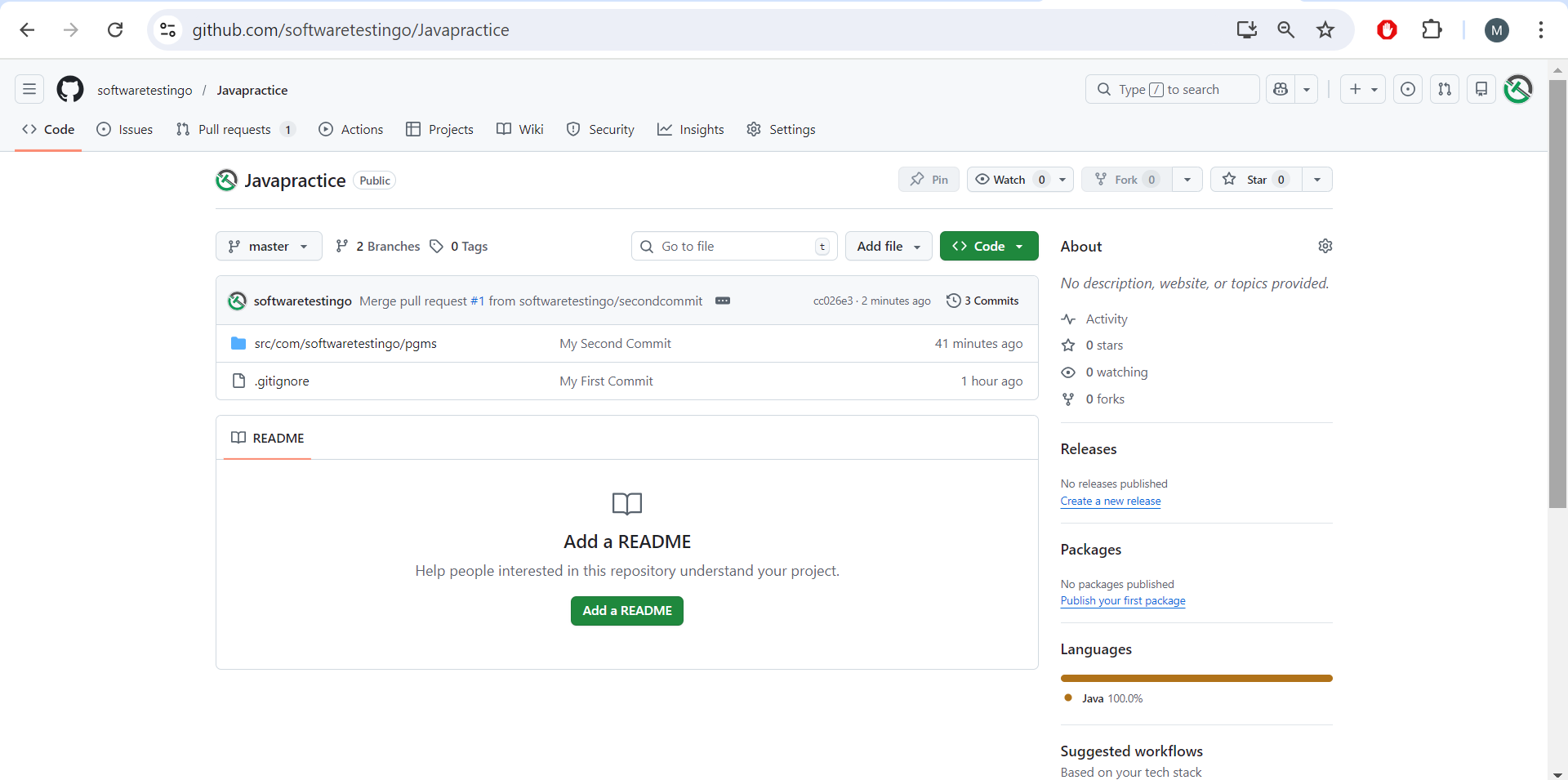
Finally the Full request is merged into master branch and you can check the master branch for the confirmation.
Softwaretestingo Editorial Board
I love open-source technologies and am very passionate about software development. I like to share my knowledge with others, especially on technology that's why I have given all the examples as simple as possible to understand for beginners.
All the code posted on my blog is developed, compiled, and tested in my development environment. If you find any mistakes or bugs, Please drop an email to softwaretestingo.com@gmail.com, or You can join me on Linkedin.